What is the Microsoft Platform?
I – Introduction to Microsoft Power Platform
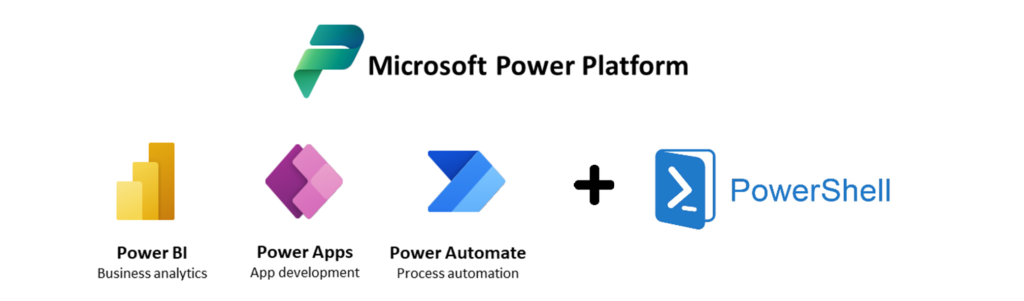
Microsoft Power Platform is a suite of solutions for businesses, including Power Apps, Power Automate, Power BI, and Power Shell. Each of these solutions offers unique features to help businesses design, automate, and visualize their business processes.
Power Apps, a no-code application development platform
Power Apps is a no-code application development platform. Users can also use connectors to integrate Power Apps applications with other common applications (SharePoint, Office 365, etc.). It allows users to design custom applications to meet their unique business needs.
Power Automate, automating tedious tasks
Power Automate automates tedious tasks such as data validation and workflow management. Users can easily create automated processes for common tasks (sending emails, synchronizing with other applications, etc.). The time saved helps improve employee productivity.
Power BI, interactive data visualizations
Power BI is a data visualization service that enables the creation of dashboards and reports. It provides interactive data visualizations to help businesses understand their data and make informed decisions.
Power Shell, automation via the Power BI API
Power Shell enables the automation of certain actions. For example, it is possible to use a Power Shell script by connecting to the Power BI API to:
- Automate dataset refresh
- Configure and manage Power BI users and groups
- Add, modify, or delete features in dashboards or reports
- Connect a report to a new dataset

II – Combining solutions for better efficiency and solving complex business problems
By using Power Platform, businesses can solve complex business problems by combining the features of these tools.
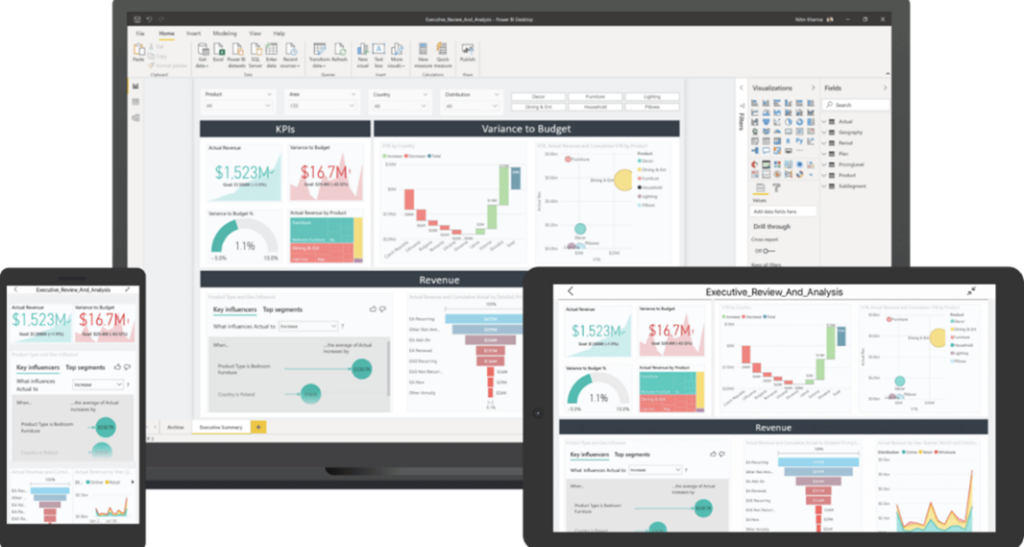
It is possible to use Power Apps to design a custom application for inventory management. Then Power Automate to automate real-time data verification. Additionally, Power BI can be used to visualize inventory data. Finally, Power Shell to automate background actions via the Power BI API.
III – Microsoft Power Platform, added value for businesses
Power Platform offers real added value to businesses by enabling them to design, automate, and visualize their business processes in a simplified manner. Power Apps, Power Automate, Power BI, and Power Shell can be combined to address a specific business problem and improve previously complicated processes.
Are you interested in Microsoft Power Platform and its solutions? Would you like to discuss with our teams to identify whether one of these solutions properly addresses your challenges?
If this article has drawn your attention to use cases you may encounter, our teams will be delighted to discuss Microsoft Power Platform within your organization. You can contact jsaccona@meltone.com or ybusidan@meltone.com to learn more and schedule an appointment.
Let’s discuss your challenges and our solutions
Let’s talk about your project and discover how MeltOne can turn your challenges into concrete, high-performing solutions.